
Safety
A driver says what an instrument can do. What a bench allows is the lab’s decision, so it is
configured on the Safety page, outside the drivers, and survives a driver update. Everything here
is checked twice: when a run is submitted (literal values, an optimization’s whole search range)
and again immediately before each call is sent (every value, after #variables are filled in).
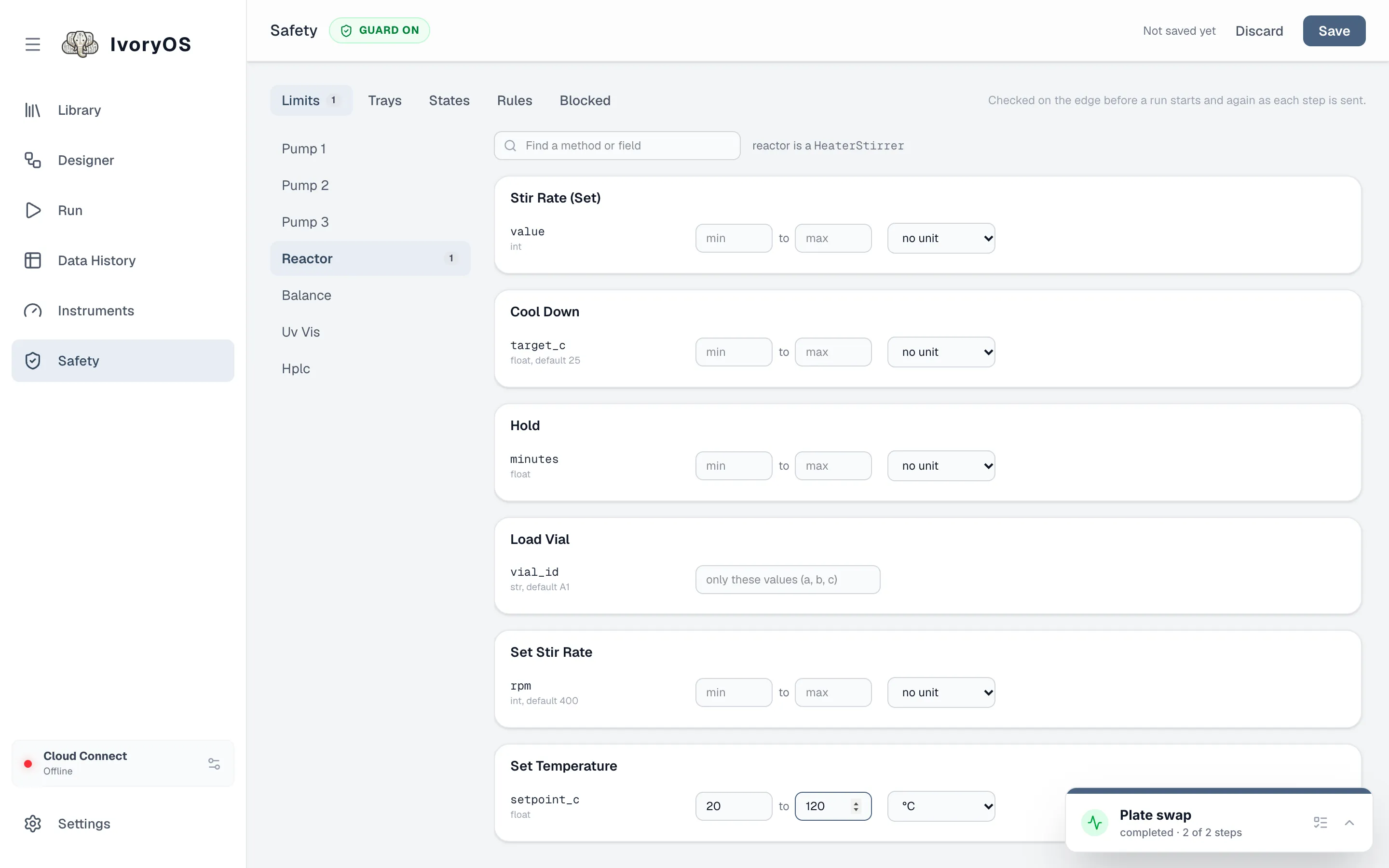
Limits
Section titled “Limits”A limit is per field: pick an instrument, find the method, and set a minimum and maximum, a list of allowed values, or a position on a tray. The dropdown beside it gives the field a unit (µL, mL, °C, rpm, min, … or your own), which the Designer, the Run tabs and Data History then show everywhere that value appears. A unit alone, with no bounds, is a valid limit.
-
Open Safety, choose the instrument (the row of buttons), and find the field.
-
Type the bounds and pick a unit. A field typed as a list of choices in the driver already accepts only those; a limit can only narrow it.
-
Save. The Once form now marks a value outside the limit as you type it, and Run refuses the run before anything moves.
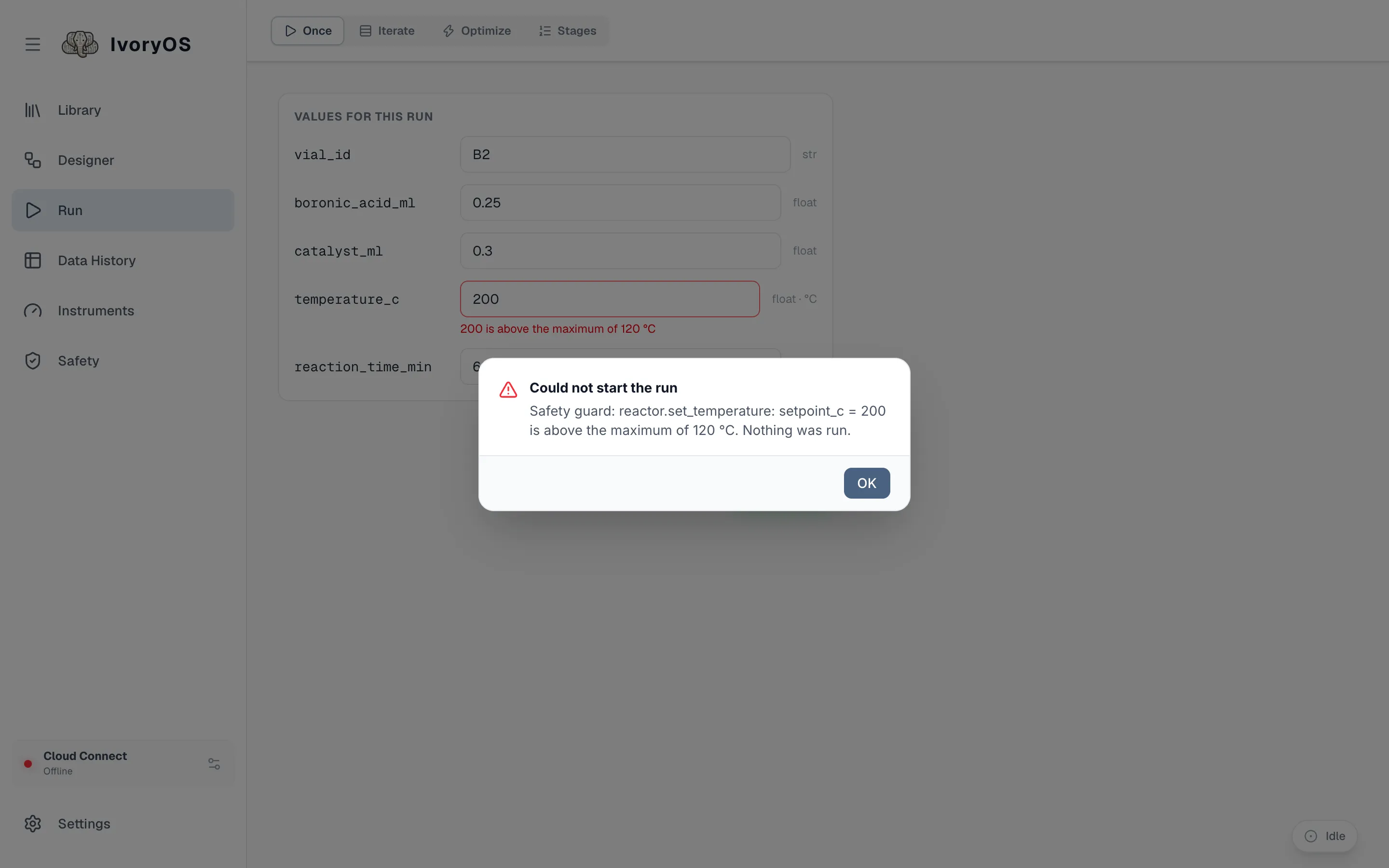
A limit can target an instrument, or every instrument built from one driver class. An argument the step leaves at its default is checked at that default, so a 1 mL/min limit catches a step that never typed a flow rate.
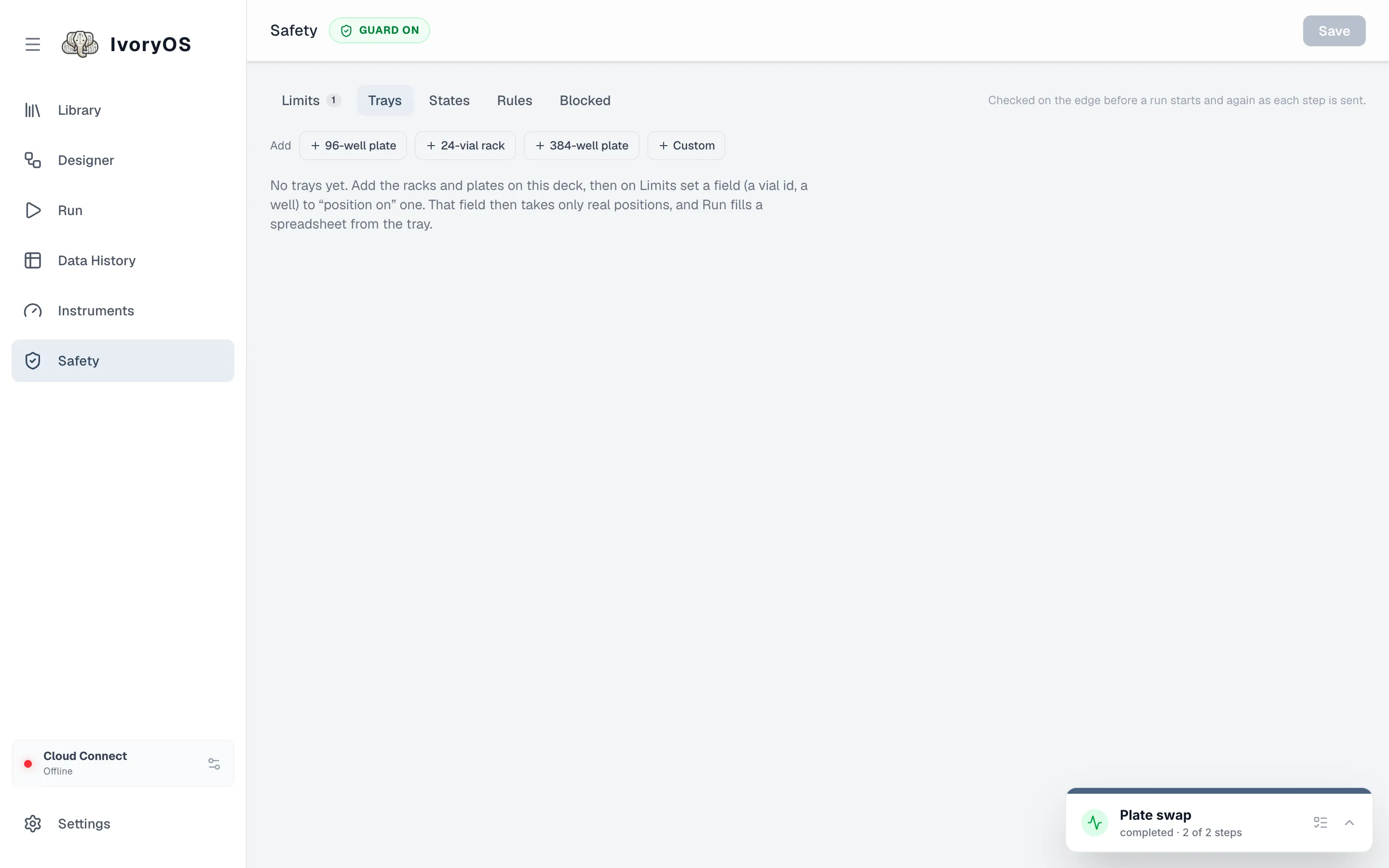
A tray is rows × columns with a naming scheme (A1, A01, 1, …) and any blocked positions. A
field limited to a tray takes only its positions, exactly as named, and gets a picker on the Run
tabs. A liquid handler’s labware shows up here on its own, from the driver’s worktable.
States and rules
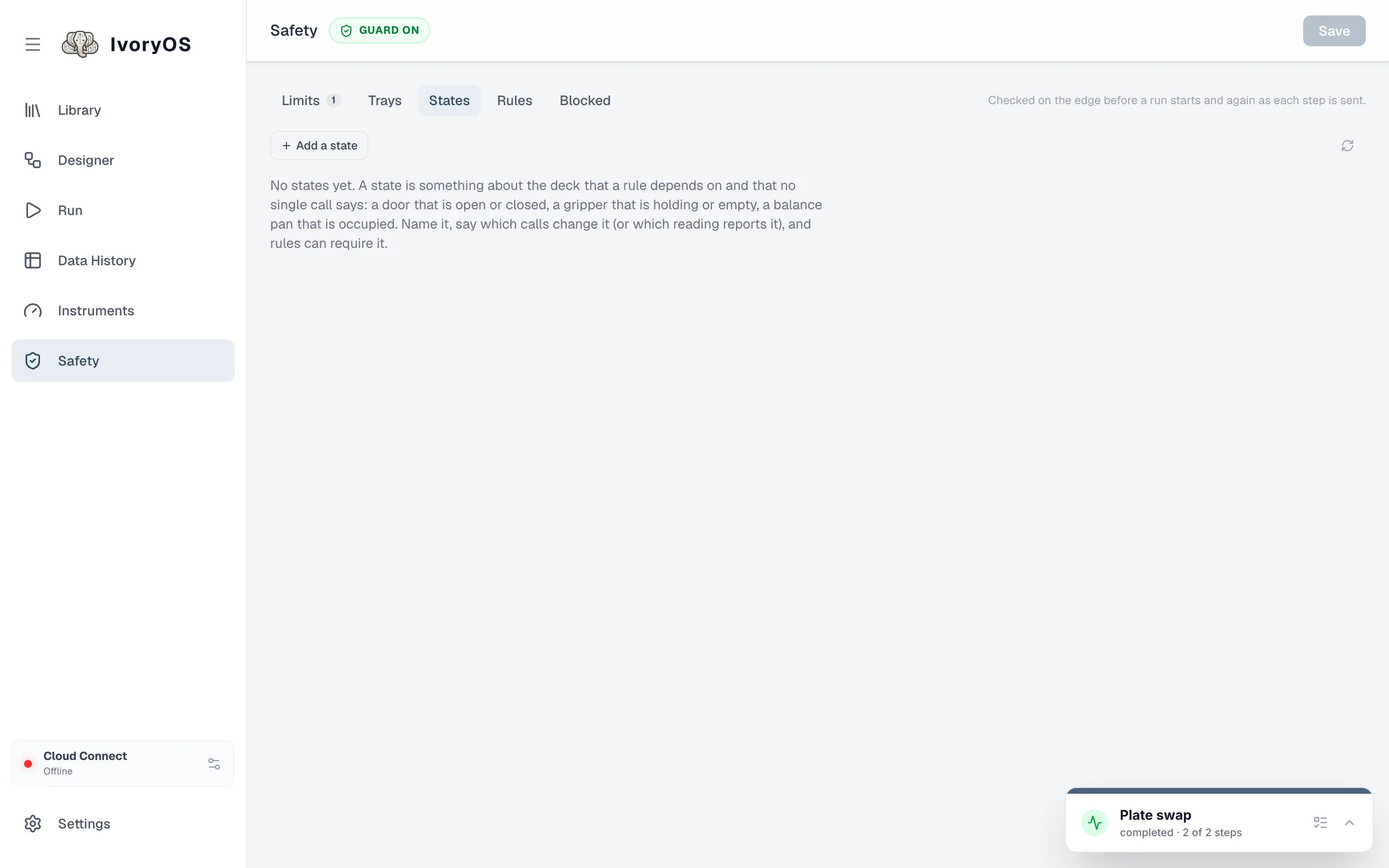
Section titled “States and rules”States describe the deck’s condition in the lab’s own words (balance_door: open or
closed), because no two drivers agree on theirs. A state is either read from an instrument each
time it is needed, or set by the calls that change it (balance.open_door leaves it open),
remembered across restarts, and settled by hand on the States tab when unknown.
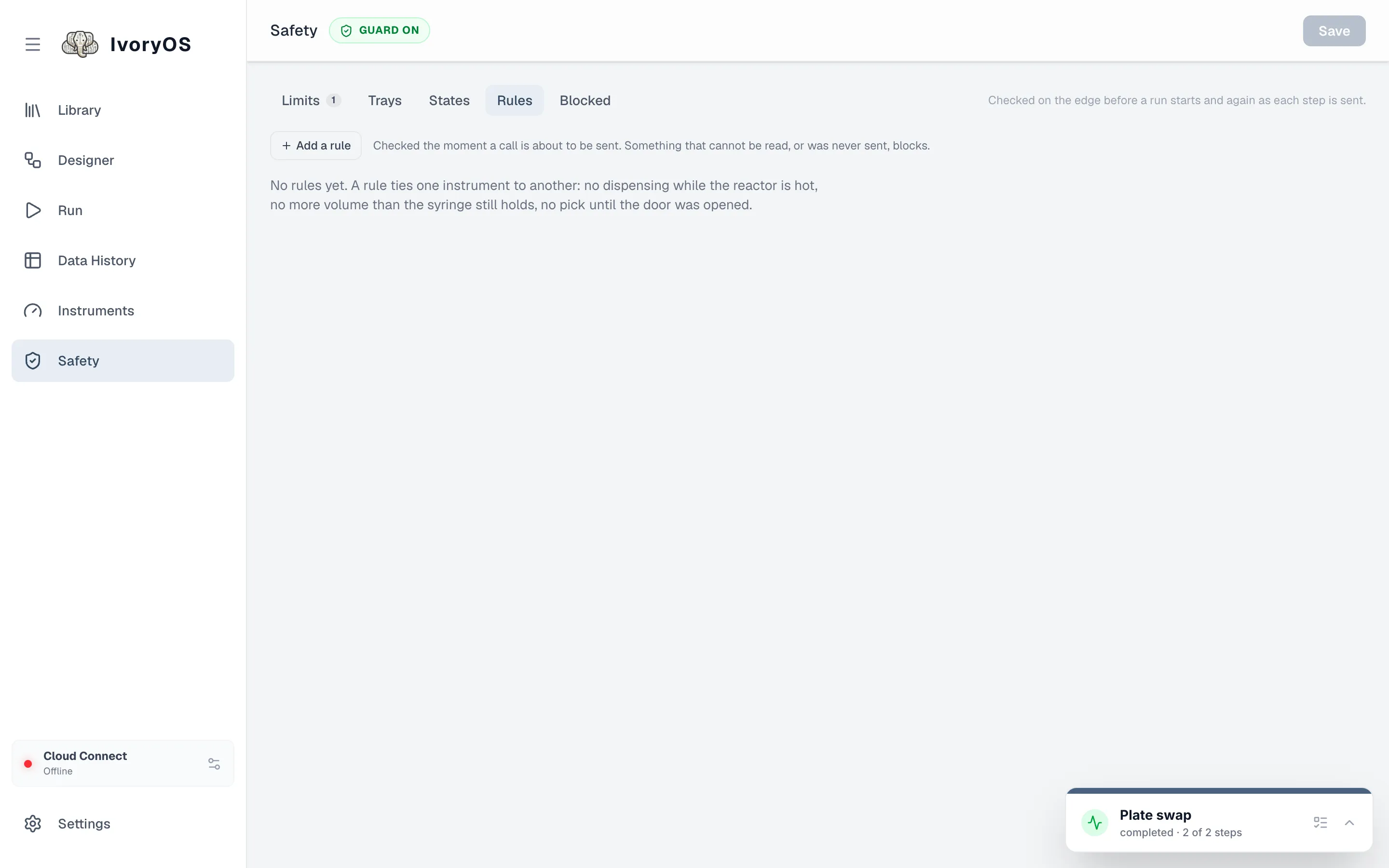
Rules are interlocks: when a call matches, require that clauses hold, comparing an argument of the call, a reading from an instrument, a state, or the last value sent through this deck. The Rules tab builds them without typing code.
Anything that cannot be determined blocks: a reading that fails, a state nothing has set yet.
Blocked lists what the guard refused recently and why.
The file behind all of this (safety.json in the deck’s data folder) and how to write it by hand
are in Safeguards.