
Assistant
Assistant at the bottom of the Designer’s toolbox opens a panel where you describe what you want in a sentence or two, and a language model drafts a workflow out of this deck’s instruments and methods.
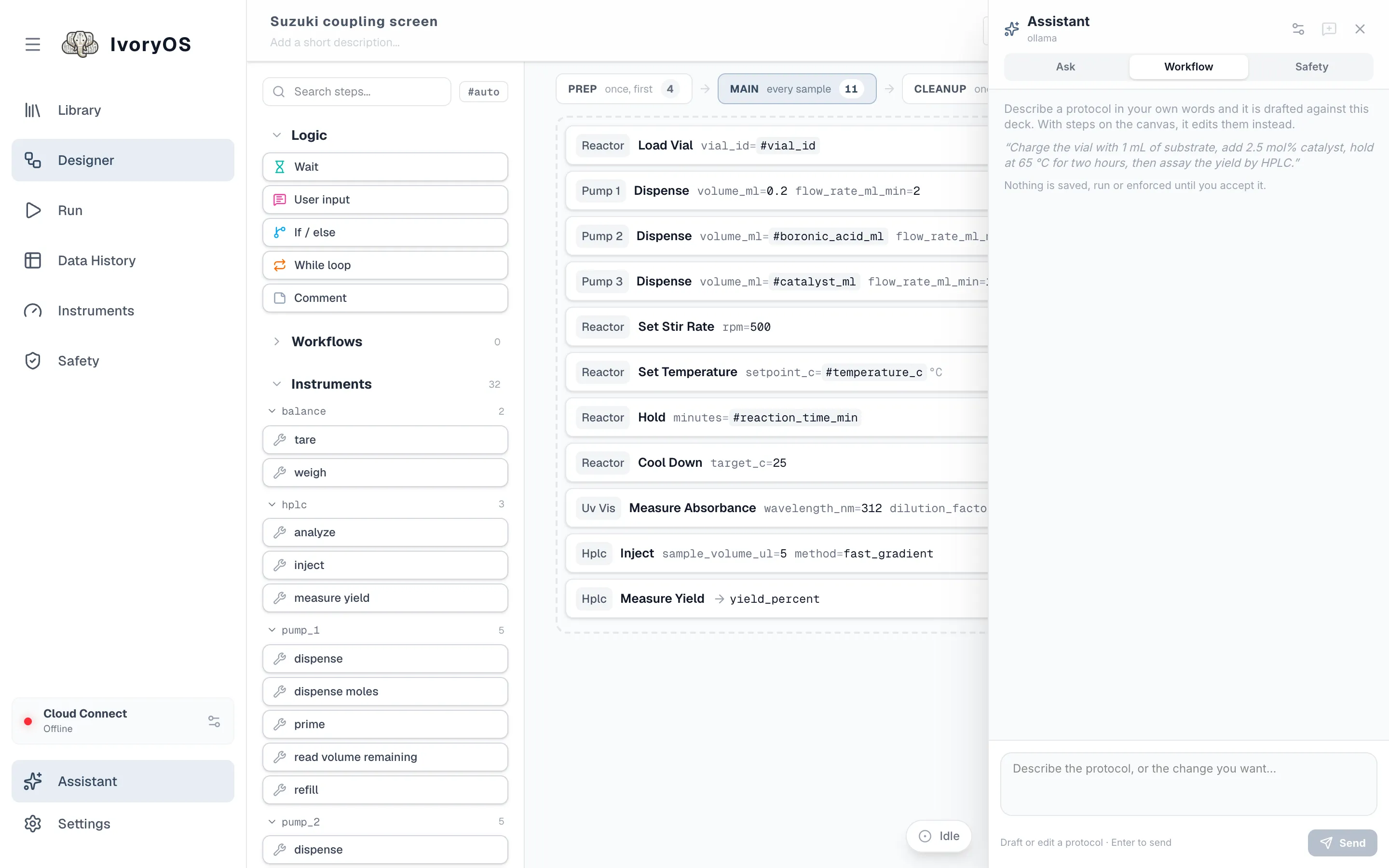
Every draft is checked before you see it: unknown instruments or methods, missing or mistyped
arguments, values outside a dropdown’s choices or a safety limit, #variables nothing produces,
unbalanced If/While. The model is told what was wrong and tries again, up to three times, which is
what makes a small local model usable here.
Models
Section titled “Models”The gear at the top of the panel chooses the provider, the endpoint, the API key and the model.
The key is kept on the deck’s computer (in agent_settings.json beside the workflows) and is
never shown again; “saved” beside the field says one is there.
- Ollama (default): a model running on this computer. No key, and nothing about your protocol leaves the building.
- An OpenAI-compatible endpoint: any hosted model with that API. Provider
openai-compatible, the endpoint (https://api.openai.com/v1for OpenAI itself), paste the key, then refresh lists the models the key can use. - Claude, through Anthropic’s SDK. Provider
anthropic; the deck needspip install 'ivoryos-edge[claude]'. Paste the key, or leave the field empty ifANTHROPIC_API_KEYis set in the environment the deck runs in.
Setting them up, using Claude Desktop or Claude Code as the agent instead, and what the validator checks, is in Agents and MCP.